Setup Google Chrome op Linux Mint 22
Google Chrome is een snelle, gebruiksvriendelijke en gratis webbrowser ontwikkeld door Google. Hij werd in 2008 gelanceerd en is sindsdien uitgegroeid tot de meest gebruikte browser ter wereld.
Vereisten
Demo
Download and importeer Google's signed key
Ondertekeningssleutels worden gebruikt om de authenticiteit en integriteit van pakketten uit repositories te verifiëren. Download die van Google en importeer ze direct.
Voeg de Chrome-repository van Google toe
Werk de pakketlijst bij
guru@hp:~$ sudo apt update
Ign:1 http://linux-mint.froonix.org xia InRelease
Hit:2 http://archive.ubuntu.com/ubuntu noble InRelease
Hit:3 http://linux-mint.froonix.org xia Release
Hit:4 http://archive.ubuntu.com/ubuntu noble-updates InRelease
Get:5 http://dl.google.com/linux/chrome/deb stable InRelease [1.825 B]
Hit:6 http://archive.ubuntu.com/ubuntu noble-backports InRelease
Hit:7 http://security.ubuntu.com/ubuntu noble-security InRelease
Hit:9 https://download.virtualbox.org/virtualbox/debian noble InRelease
Get:10 http://dl.google.com/linux/chrome/deb stable/main amd64 Packages [1.216 B]
Fetched 3.041 B in 1s (4.453 B/s)
Reading package lists... Done
Building dependency tree... Done
Reading state information... Done
All packages are up to date.
guru@hp:~$
Installeer Chrome
guru@hp:~$ sudo apt install google-chrome-stable
Reading package lists... Done
Building dependency tree... Done
Reading state information... Done
The following NEW packages will be installed:
  google-chrome-stable
0 upgraded, 1 newly installed, 0 to remove and 0 not upgraded.
Need to get 119 MB of archives.
After this operation, 387 MB of additional disk space will be used.
Get:1 http://dl.google.com/linux/chrome/deb stable/main amd64 google-chrome-stable amd64 139.0.7258.154-1 [119 MB]
Fetched 119 MB in 2s (68,8 MB/s)
Selecting previously unselected package google-chrome-stable.
(Reading database ... 531778 files and directories currently installed.)
Preparing to unpack .../google-chrome-stable_139.0.7258.154-1_amd64.deb ...
Unpacking google-chrome-stable (139.0.7258.154-1) ...
Setting up google-chrome-stable (139.0.7258.154-1) ...
update-alternatives: using /usr/bin/google-chrome-stable to provide /usr/bin/x-www-browser (x-www-browser) in auto mode
update-alternatives: using /usr/bin/google-chrome-stable to provide /usr/bin/gnome-www-browser (gnome-www-browser) in auto mode
update-alternatives: using /usr/bin/google-chrome-stable to provide /usr/bin/google-chrome (google-chrome) in auto mode
Processing triggers for gnome-menus (3.36.0-1.1ubuntu3) ...
Processing triggers for mate-menus (1.26.1+mint1) ...
Processing triggers for man-db (2.12.0-4build2) ...
Processing triggers for mailcap (3.70+nmu1ubuntu1) ...
Processing triggers for desktop-file-utils (0.27-2build1) ...
guru@hp:~$
Start Chrome
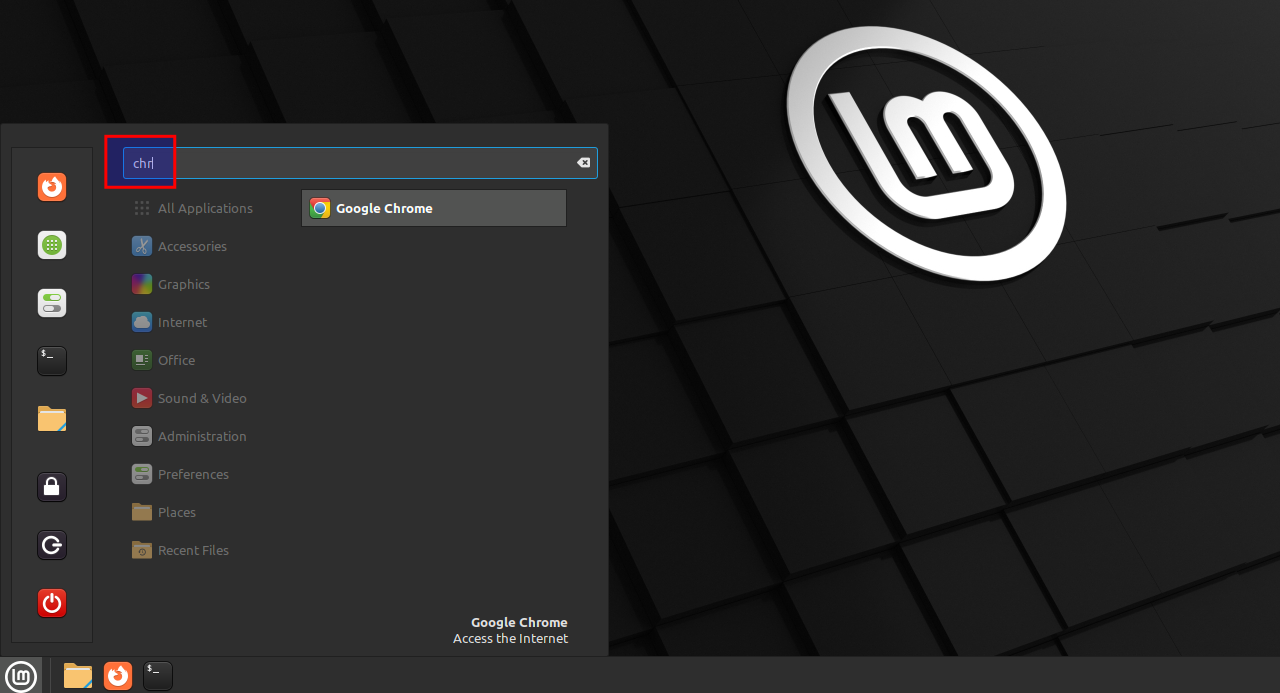
Selecteer "Menu" en typ "chr". Start "Google Chrome".
Preferences
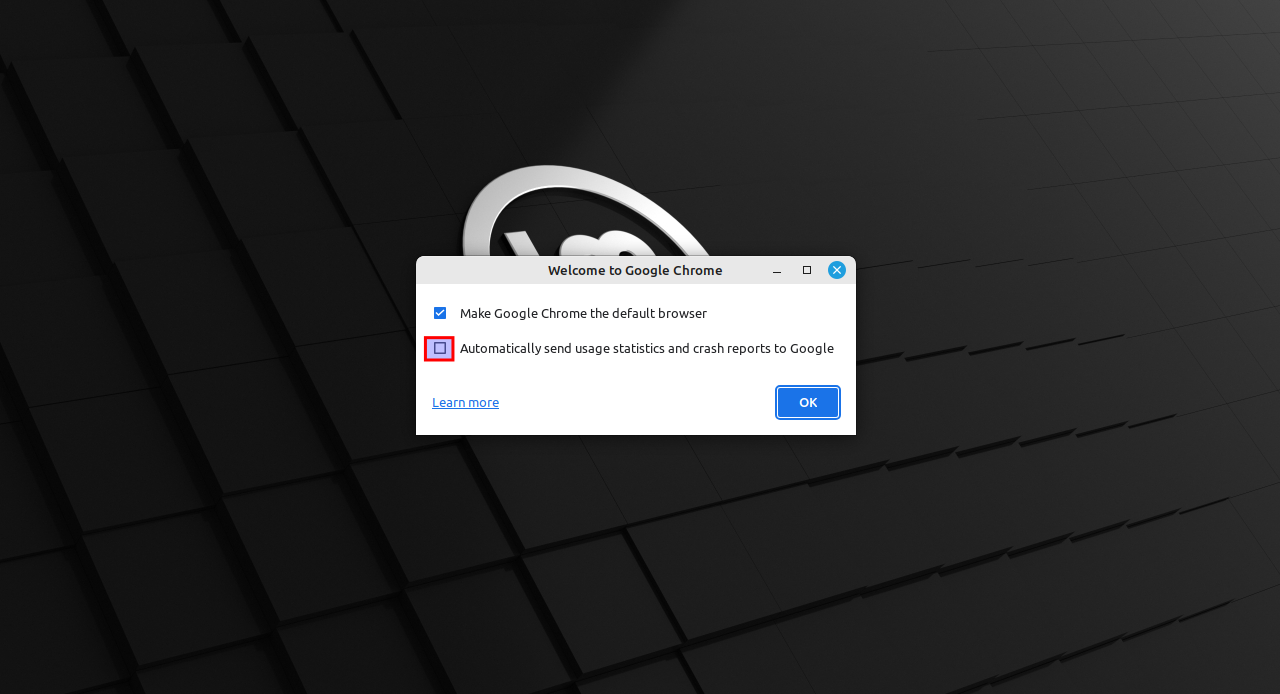
Verwijder het vinkje bij "Automatically send usage statistics..."